Skip to content
SBCOS

The workspace your business runs on.

Customers, projects, documents and invoices on one shared desktop. Build your workspace with the modules your business needs, then manage your tools in WexStore.

The SBCOS workspace and its modules
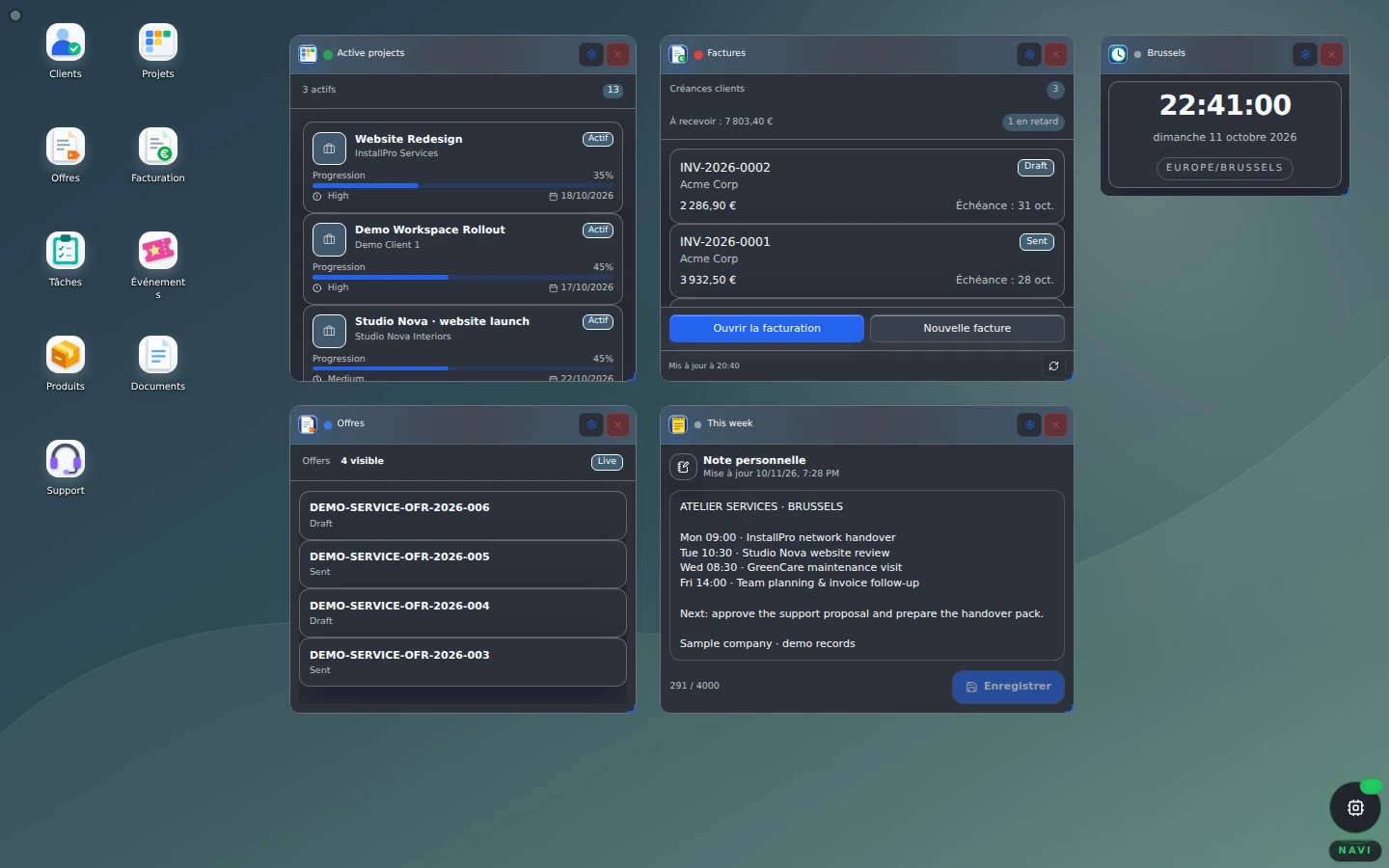
The real demo desktop: shortcuts, projects, invoices and planning for a Belgian service company. View the full screenshot

One desktop for working together.

SBCOS means Smart Business Cloud Operating System. Your organization shares one workspace; each person sees the tools and information their role allows.

  1. Your organization

    One shared workspace for your teams and business records.

  2. Your access rights

    Roles and permissions define what each person can view and do.

  3. Your modules

    Tools that share customers, documents and operations, according to your plan.

WexStore

Your tools, together in WexStore.

Discover available products, review their details and manage your library. Available actions depend on your plan, licenses and access rights.

Modules

Business capabilities: customers, projects, documents, invoicing and operations.

Apps

Additional tools you can use from your workspace.

Widgets

Desktop summaries and tools: projects, invoices, notes and a clock.

Themes and icons

Themes, contrast settings and icon packs to personalize your desktop.
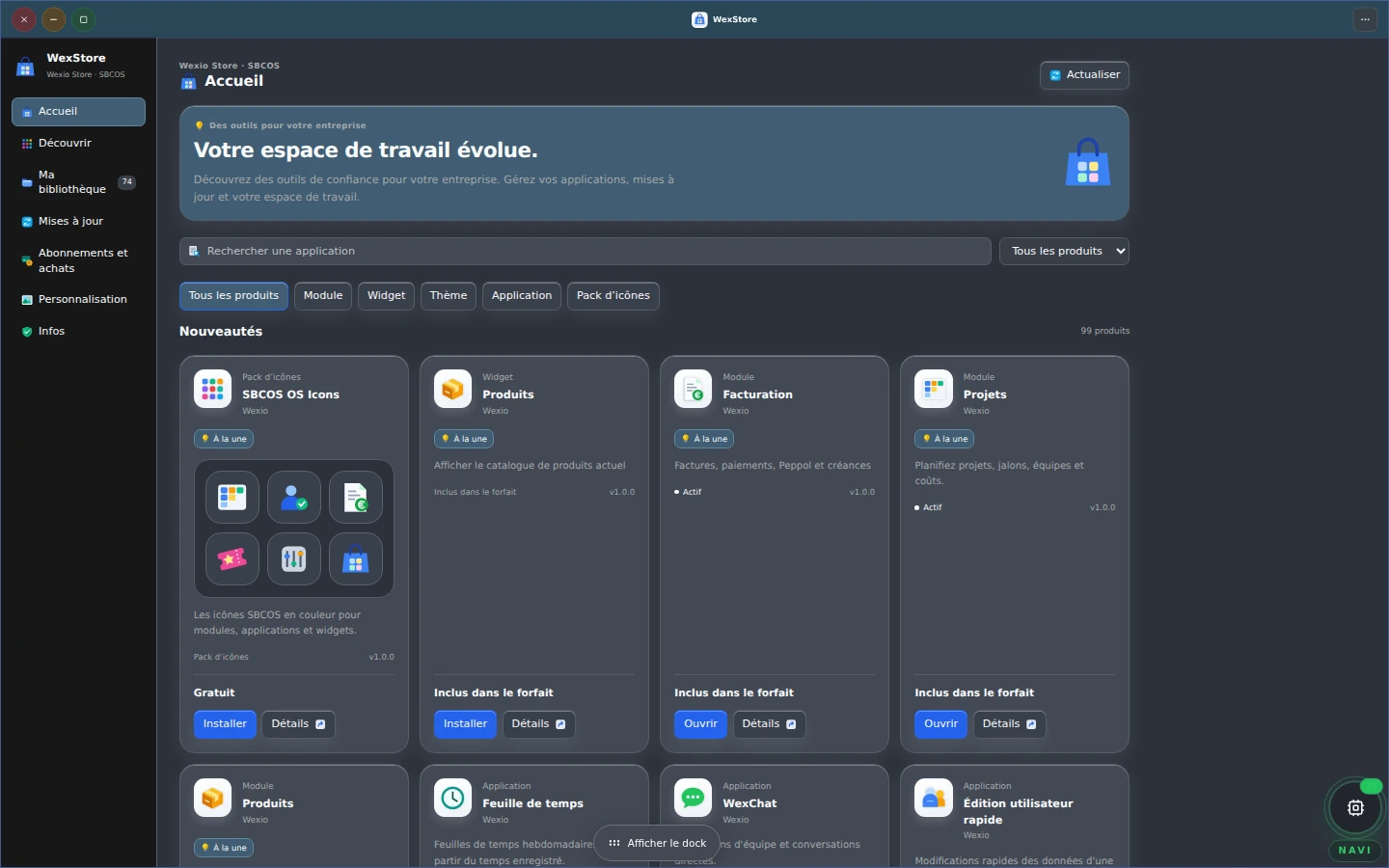
WexStore in the demo: catalogue, library, updates and personalization.
WexStore in the demo: catalogue, library, updates and personalization. View the full screenshot

A library for your organization

See installed products and their status. An administrator manages activation and purchases; each team member uses the capabilities allowed by their role.

Visible updates, under your control.

The Updates tab shows new versions available for your products. Review release notes and compatibility requirements before applying an eligible update.

Linked modules keep their dependencies: WexStore shows which module uses another and blocks disabling one that an active capability needs. The Info tab shows the SBCOS and WexStore versions.

Modules

The SBCOS modules

The public catalogue lists SBCOS business modules. “Included” refers to the entry plan; other modules need activation compatible with your plan and access rights.

Commercial

  • ProductsIncluded
  • ClientsIncluded
  • CRMAvailable after activation
  • OffersAvailable after activation
  • OrdersAvailable after activation
  • Point of SaleAvailable after activation
  • ReservationsAvailable after activation
  • SalesAvailable after activation
  • WebCreatorIncluded
  • MarketingAvailable after activation
  • AnalyticsAvailable after activation
  • ReportsAvailable after activation

Operations

  • ProjectsAvailable after activation
  • EventsAvailable after activation
  • InventoryAvailable after activation
  • LogisticsAvailable after activation
  • AssetsAvailable after activation
  • QualityAvailable after activation
  • Plan ManagerAvailable after activation
  • SuggestionsIncluded
  • MediaAvailable after activation
  • AgendaAvailable after activation
  • TasksIncluded
  • PurchasingAvailable after activation
  • ManufacturingAvailable after activation

Finance

  • FinanceAvailable after activation
  • InvoicingAvailable after activation
  • PeppolAvailable after activation

Workspace

  • DocumentsIncluded
  • ContractsAvailable after activation
  • Users & AccessIncluded
  • HRAvailable after activation
  • Time TrackingAvailable after activation
  • WexChatIncluded
  • NotificationsIncluded
  • Business ProfileIncluded
  • OrganizationIncluded
  • CommunicationsAvailable after activation
  • EmailAvailable after activation
  • Email TemplatesAvailable after activation
  • SupportIncluded

The same desktop, in your style.

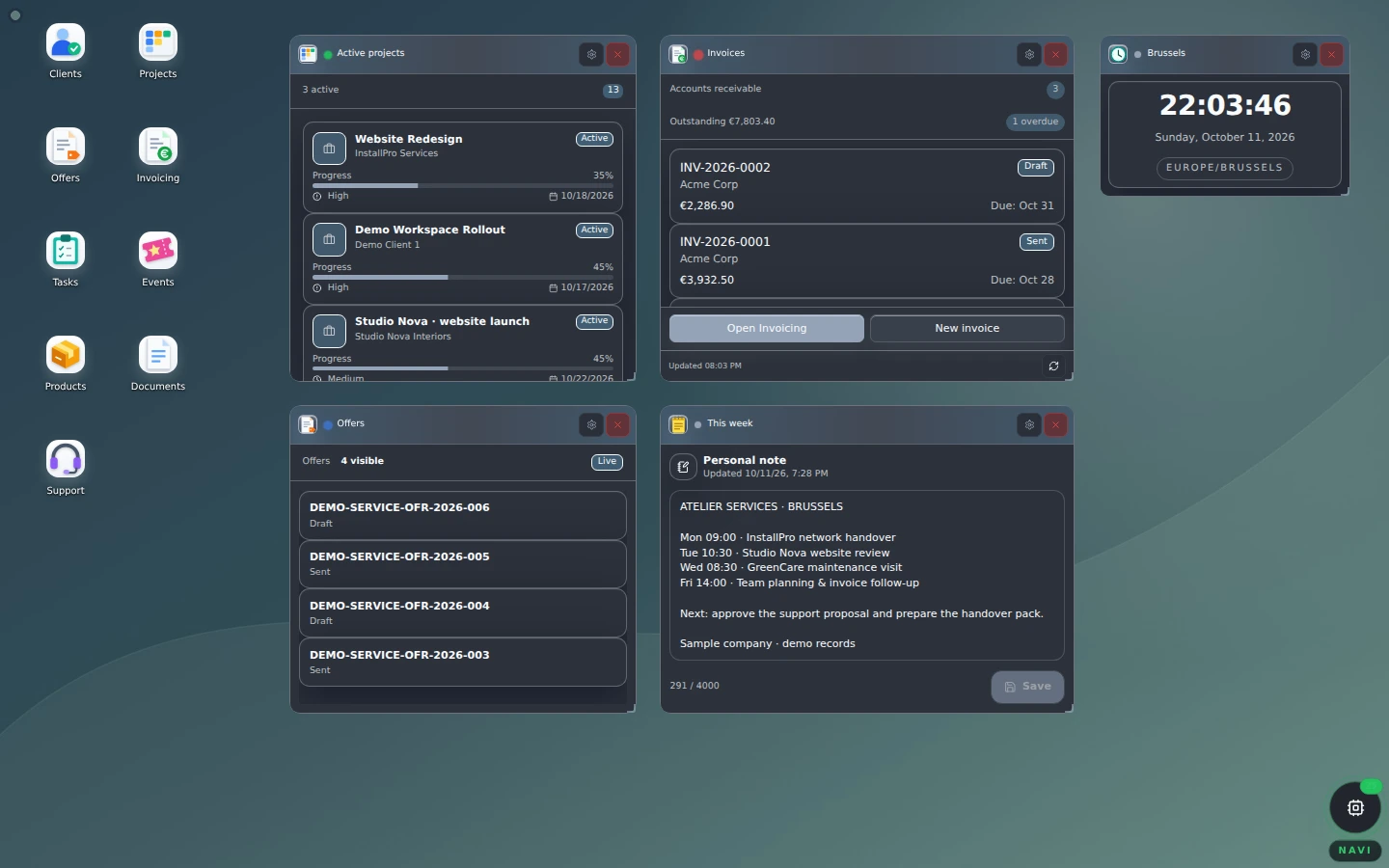
Colors, contrast and atmosphere: compare eight current themes on the same demo desktop. Shortcuts, widgets and data stay the same.
View the two legacy themes

Desktop preview · Graphite Soft

The SBCOS workspace and its modules — Graphite Soft
This selector only changes the image shown here. In your SBCOS workspace, personalization is managed through settings and WexStore. View the full screenshot

Security & trust

The right access. Clear boundaries.

SBCOS uses secure authentication, roles and database permissions to separate organizations and their private information. Public websites present approved content; business data stays in private workspaces.

Security & trust

Try the desktop before creating your own.

The demo presents a Belgian service company with sample data. Explore shortcuts, widgets and WexStore, then create a workspace for your own organization.